Sight message
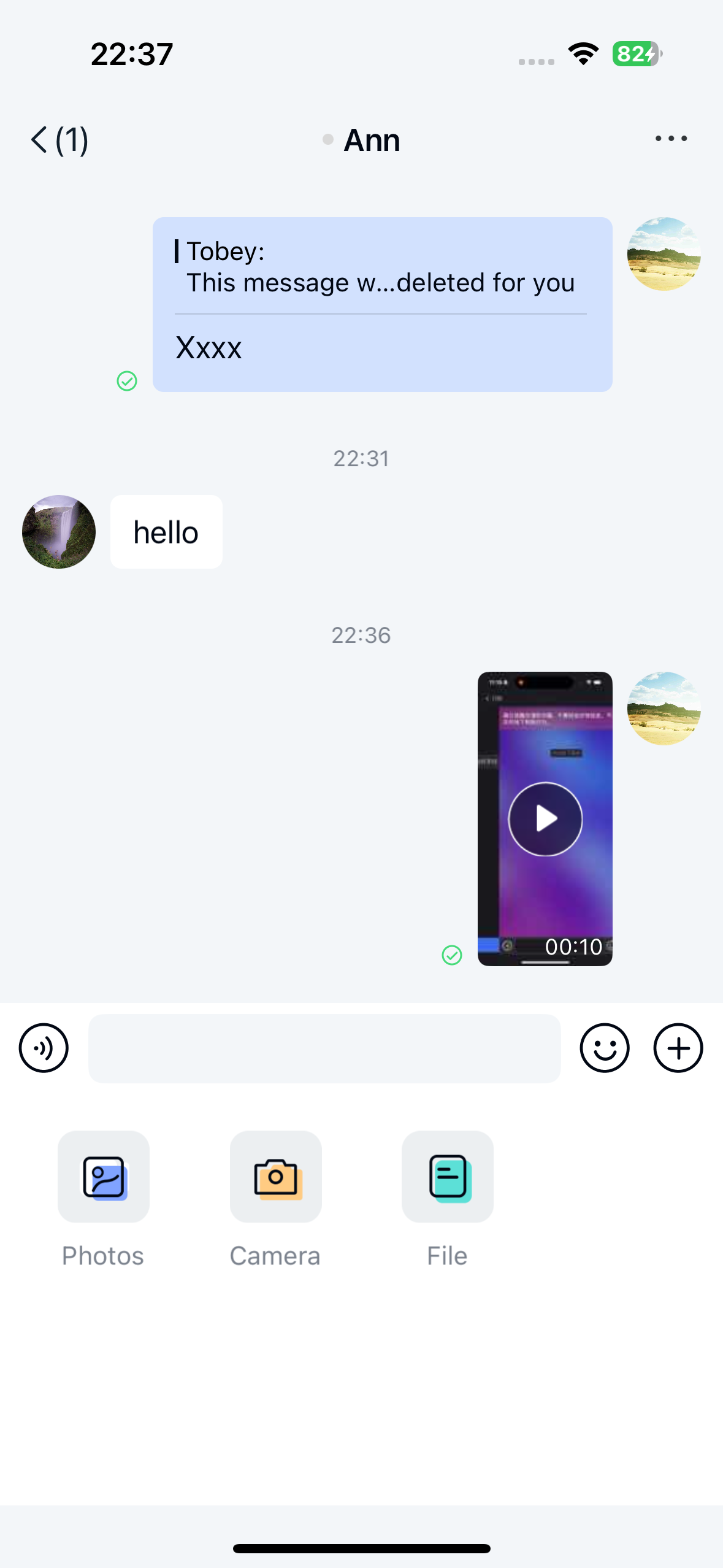
Users can send sight messages through the Chat UI gallery (local photo album) or the sight plugin. These messages appear in the message list component of the channel page. By default, the plugin sends messages containing the sight message content object NCShortVideoMessage .
Limitations
The sight message feature currently has these restrictions:
- Chat UI only supports sending sight messages in direct channels and group channels.
- When using the sight plugin for recording, videos cannot exceed 10 seconds in length.
- When selecting video files from the local album, note the server's default maximum duration is 2 minutes. Contact sales to adjust this limit.
- Only
H.264+AACencoded video files are supported, as Chat UI's short video recording and playback only implements support for this encoding combination. - For apps using a Starter or Pro plan, file storage duration defaults to 180 days (excluding sight message files, which are stored for 7 days). For details about plan features and pricing, see the official pricing page.
Usage
The current Chat UI iOS delivery includes sight message recording, preview, playback, and built-in display handling. After you integrate Chat UI with the required resources, the input area can show the Camera entry and send NCShortVideoMessage messages in supported channel types.
Manual registration for custom builds
If your app uses a custom build that excludes the built-in sight implementation but still needs to send local sight files, register your own short video message cell. You also need to implement video recording and playback, including playback handling in the channel message click event.
@interface AppSightMessageCell : NCMessageCell
@end

@implementation AppSightMessageCell
// Implement custom short-video layout here.
@end

@implementation AppChannelViewController

- (void)registerCustomCellsAndMessages {
    [super registerCustomCellsAndMessages];
    [self registerClass:[AppSightMessageCell class] forMessageType:NCMessageType.shortVideo];
}

@end
See Customize message display for details.
Select sight videos from local album
Prerequisite: Ensure your Chat UI build includes the sight implementation and required resources.
When opening the local album through Chat UI's photo plugin, video files are excluded by default, preventing users from selecting videos to send.
Modify the global configuration to include video files in the local media selector.
// Enable video file inclusion in media selection
NCChatUIConfigCenter.message.isMediaSelectorContainVideo = YES;
Send sight messages
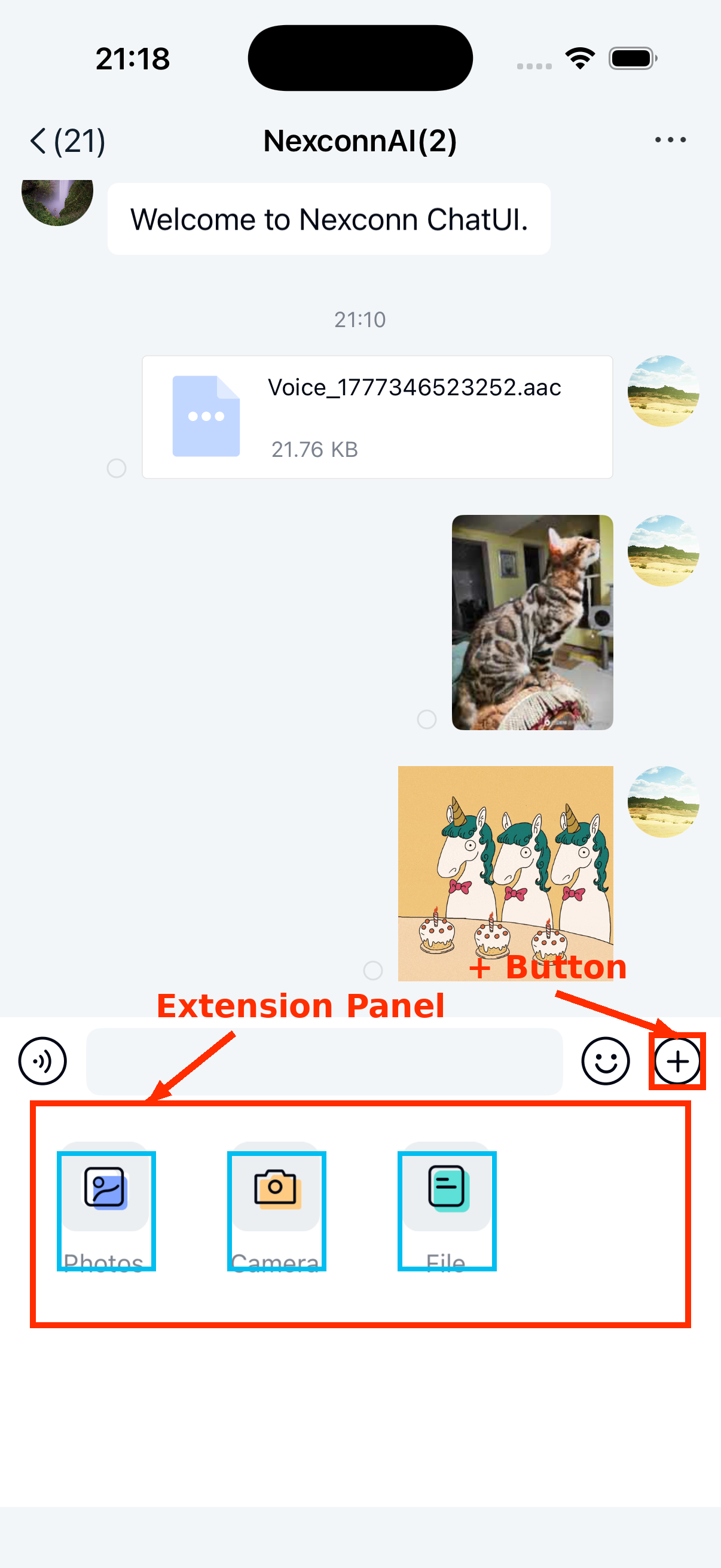
Users can tap the + button on the right side of the input bar to expand the extension panel, then tap the Photo or Camera icon to send sight messages.
Customization
Adjust video compression quality
Sight videos are compressed to 544 * 960 resolution. The first frame generates a thumbnail for display in the chat interface. By default, the SDK generates thumbnails at 30% of original quality that meet size requirements (longest side ≤ 240 px) before upload and sending.
We recommend keeping the default compression settings. To adjust compression quality, see Modifying SDK default image and video compression settings.
Customize sight message UI
Chat UI generates and sends sight messages by default and displays them in the message list with its built-in short-video cell. Use NCMessageType.shortVideo when you need the message type identifier. To modify the message style, create a custom message cell that inherits from NCMessageCell and register it with the SDK.
See Customize message display for implementation details.
Alternatively, you can replace the style resources, string resources, and icons referenced by the sight message display template within NCChatUI.bundle.
To modify recording or playback UI, refer to the sight source files under NexconnChatUI/Sections/Channel/Sight in the Chat UI iOS source tree.
Dynamically hide sight message entry
To dynamically modify visibility, remove the specific extension item via NCChannelViewController's chatSessionInputBarControl.pluginBoardView before displaying the channel page.
See Input area for details.