Emoji
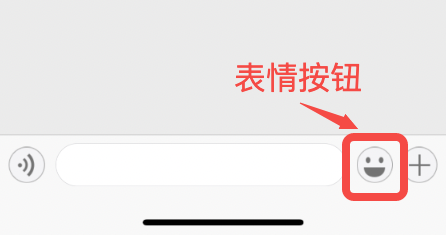
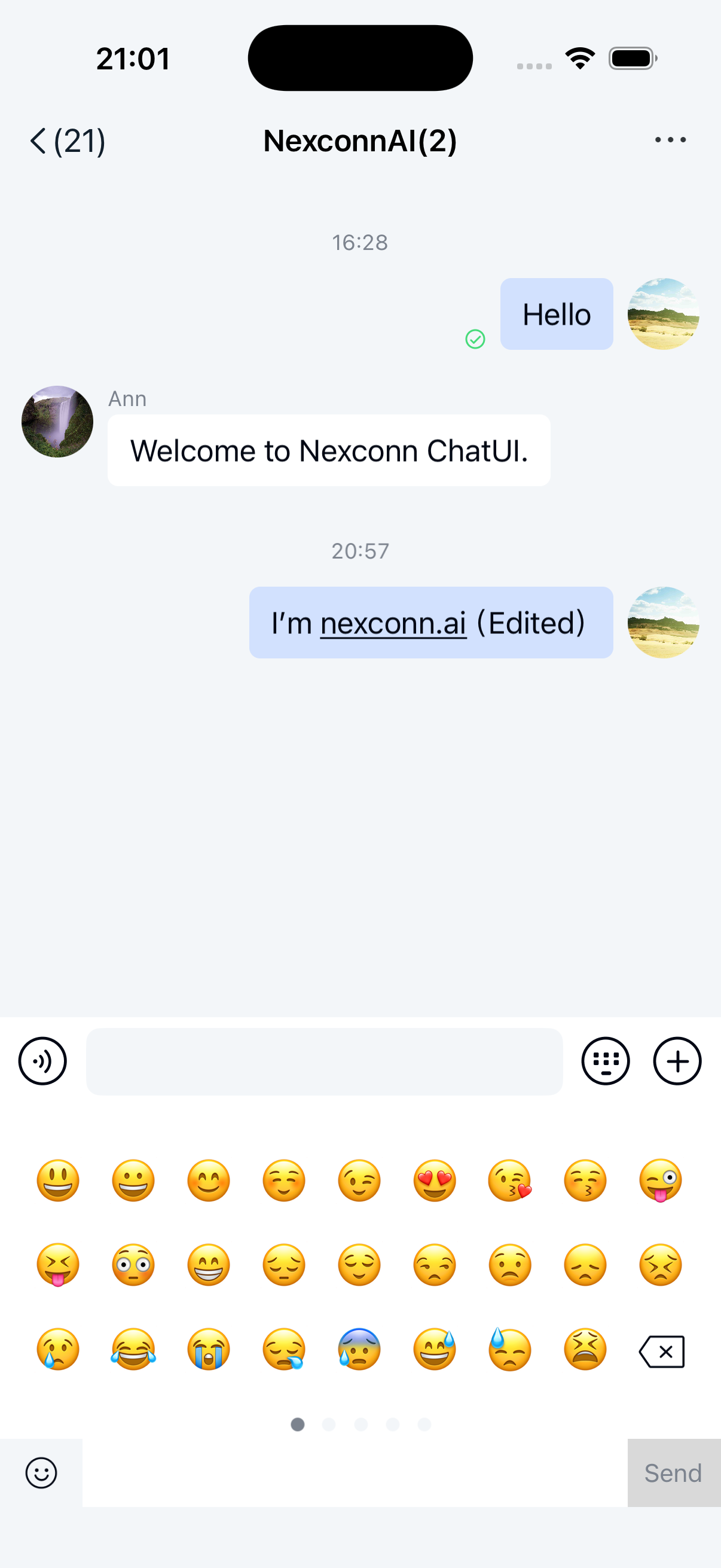
You can send emoji expressions in the Chat UI input area. Tap the emoji (☺) button in the input bar to expand the emoji panel, which supports sending emoji expressions. Emoji messages will appear in the message list component of the channel page.
Emoji symbols
The emoji panel in the Chat UI input area displays built-in emoji by default, generated by the SDK from the Emoji.plist resource file in NCChatUI. When users tap an emoji, it inserts the native emoji character into the text input area.
Disable built-in emoji in the emoji panel
Before displaying the channel page, you can use the disableSystemEmoji property of NCChannelViewController to control whether to include the built-in emoji tab. The default is NO (shows emoji). When disabled, the emoji panel won't display the emoji tab.
chatVC.disableSystemEmoji = YES;
[self.navigationController pushViewController:chatVC animated:YES];
Custom emoji
Custom emoji requires integrating Chat UI via source code.
Custom emoji pages must conform to the NCEmoticonTabSource protocol.
There are two ways to add custom emoji:
- Use the
chatSessionInputBarControl.emojiBoardViewproperty of the channel page to add local images or GIFs directly. Emoji added this way won't have a send button in the bottom-right corner - you'll need to implement message sending manually. - Implement a complete custom emoji module that follows the
NCChatUIExtensionModuleprotocol. UsegetEmoticonTabListto add the emoji page to the emoji panel, implementing remote emoji data download yourself.
Follow these steps to add local images or GIFs using chatSessionInputBarControl.emojiBoardView:
-
Implement the
NCEmoticonTabSourceprotocol'sloadEmoticonViewto return the emoji tab view. The returned view must match the contentViewSize (width = screen width, height = 186).Objective C- (UIView *)loadEmoticonView:(NSString *)identify index:(int)index;Parameter Type Description identify NSString Emoji panel tab identifier index int Page index of emoji tab -
Use the
addEmojiTab:method ofchatSessionInputBarControl.emojiBoardViewto add emoji packs (dynamic removal isn't supported). Handle gesture and events for individual emoji yourself. For image emoji, constructNCImageMessagecontent. For GIF emoji, constructNCGIFMessagecontent. See sending messages for sending methods.Objective C@interface AppEmoticonTab : NSObject <NCEmoticonTabSource>
@property (nonatomic, copy) NSString *tabId;
@property (nonatomic, strong) UIImage *tabIcon;
@property (nonatomic, assign) int tabPageCount;
@end
@implementation AppEmoticonTab
- (NSString *)identify {
return self.tabId;
}
- (UIImage *)image {
return self.tabIcon;
}
- (int)pageCount {
return self.tabPageCount;
}
- (UIView *)loadEmoticonView:(NSString *)identify index:(int)index {
CGSize contentSize = CGSizeMake(UIScreen.mainScreen.bounds.size.width, 186);
return [[UIView alloc] initWithFrame:(CGRect){CGPointZero, contentSize}];
}
@end
AppEmoticonTab *emoticonTab = [AppEmoticonTab new];
emoticonTab.tabId = @"custom_sticker";
emoticonTab.tabIcon = [UIImage imageNamed:@"custom_sticker_tab"];
emoticonTab.tabPageCount = 2;
[self.chatSessionInputBarControl.emojiBoardView addEmojiTab:emoticonTab];Custom emoji tabs support pagination. Since the SDK doesn't currently support refreshing
pageCount, set the correct page count initially.
Hide the emoji panel entry
When emoji input isn't needed, you can hide the emoji button in the input bar to prevent users from expanding the emoji panel. See input area for details.