Message reference and reply
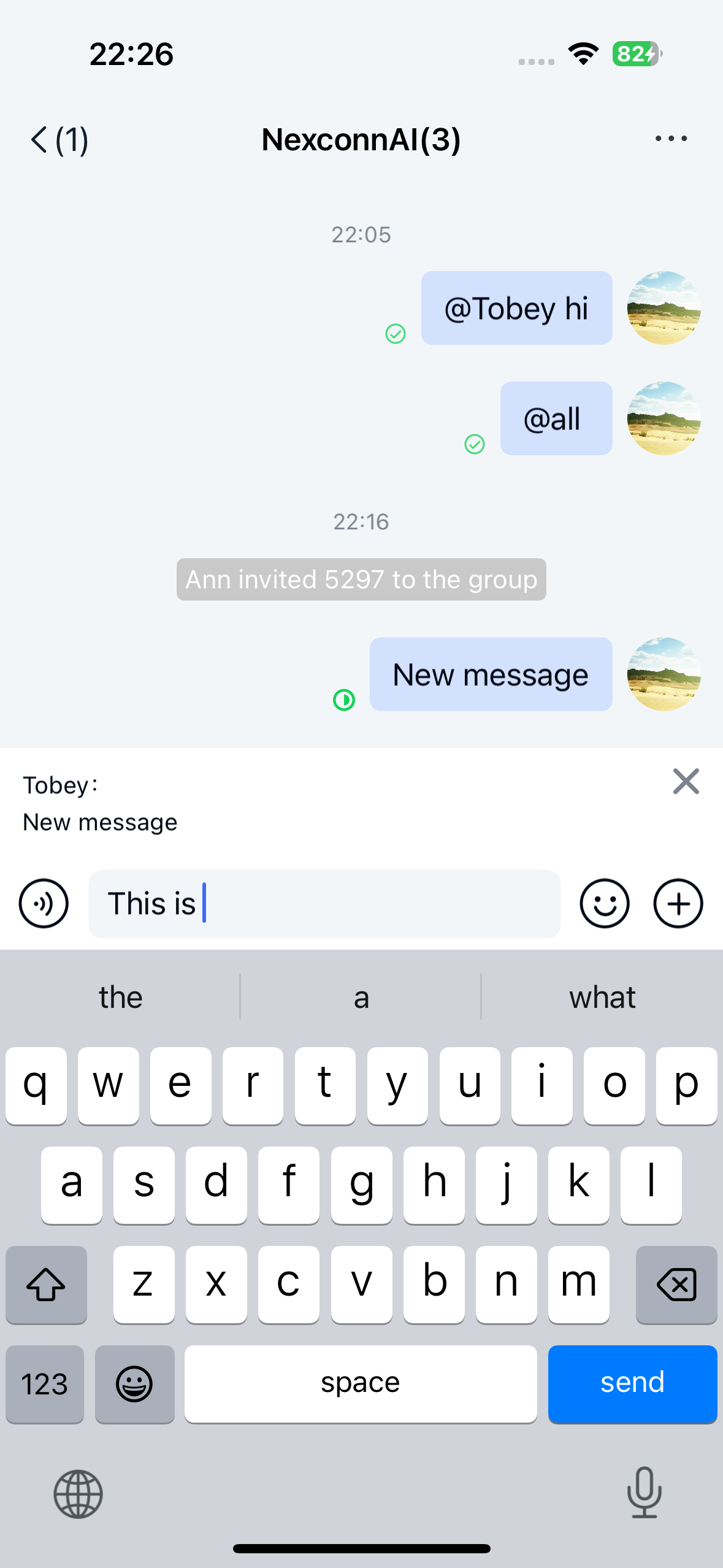
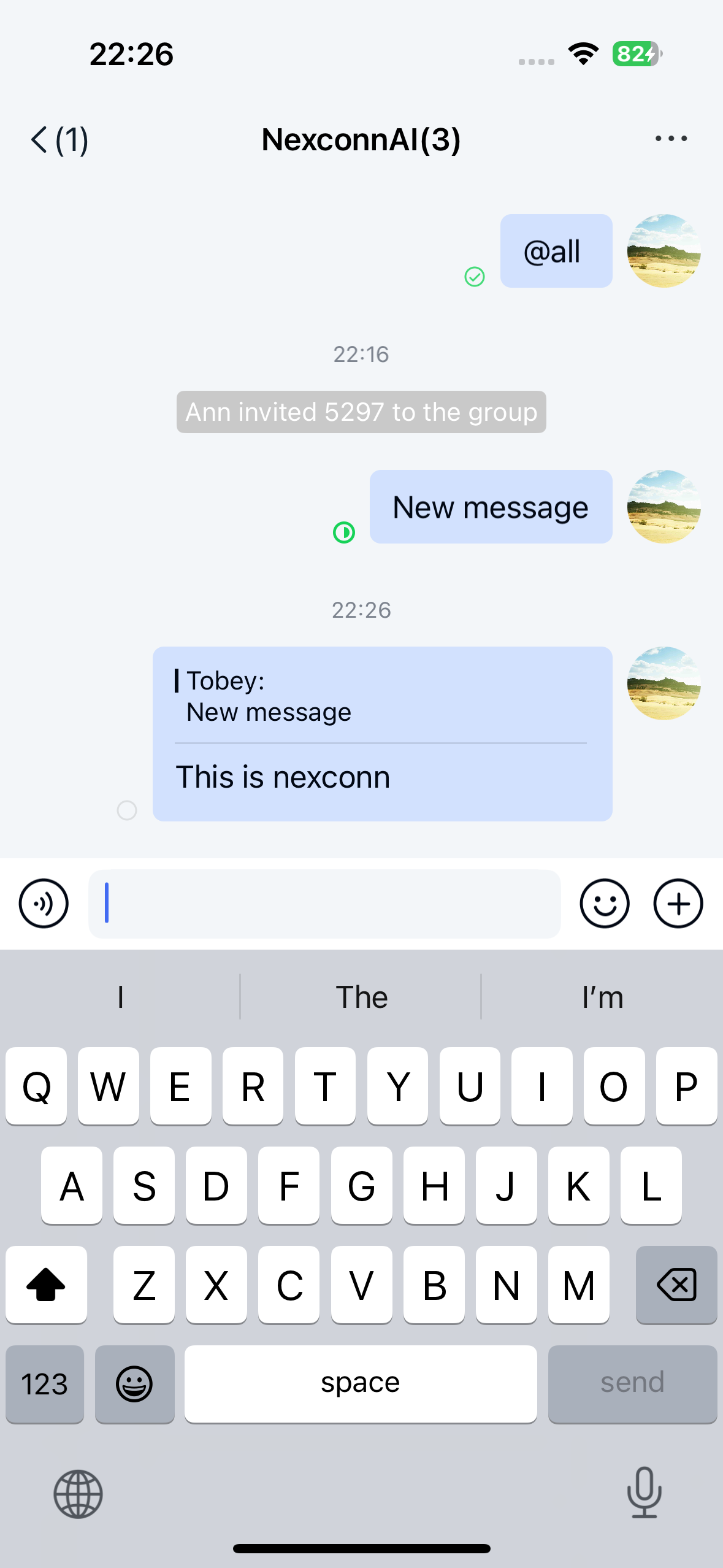
Chat UI supports message reference and reply functionality, allowing users to reply to specific messages within a channel. Referenced messages appear in the message list component of the channel view. By default, the reference feature sends messages containing a NCReferenceMessage object. Use NCMessageType.reference when you need the message type identifier.
Limitations
The message reference feature currently has these restrictions:
- Only supports referencing text messages, file messages, image-text messages, image messages, and other reference messages
- Supports only one level of reference depth - you can only reference the original message. Multiple levels of reference will only display the immediately referenced message
Usage
Chat UI channels have message reference enabled by default. To reference a message:
- Long-press a message in the channel view
- Select Reference message from the popup menu
- Add your reply content in the input area
The SDK automatically combines your input with the referenced message into a NCReferenceMessage object and sends it to the channel.
Customization
Customize the reference message UI
Chat UI generates and sends reference messages by default, displaying them in the message list using the NCReferenceMessageCell template.
All message templates in Chat UI inherit from NCMessageCell. Any custom message cells must also inherit from NCMessageCell. See Modify message display styles for details.
Disabling message reference
You can disable the message reference feature through global configuration:
NCChatUIConfigCenter.message.enableMessageReference = NO;