Message reference
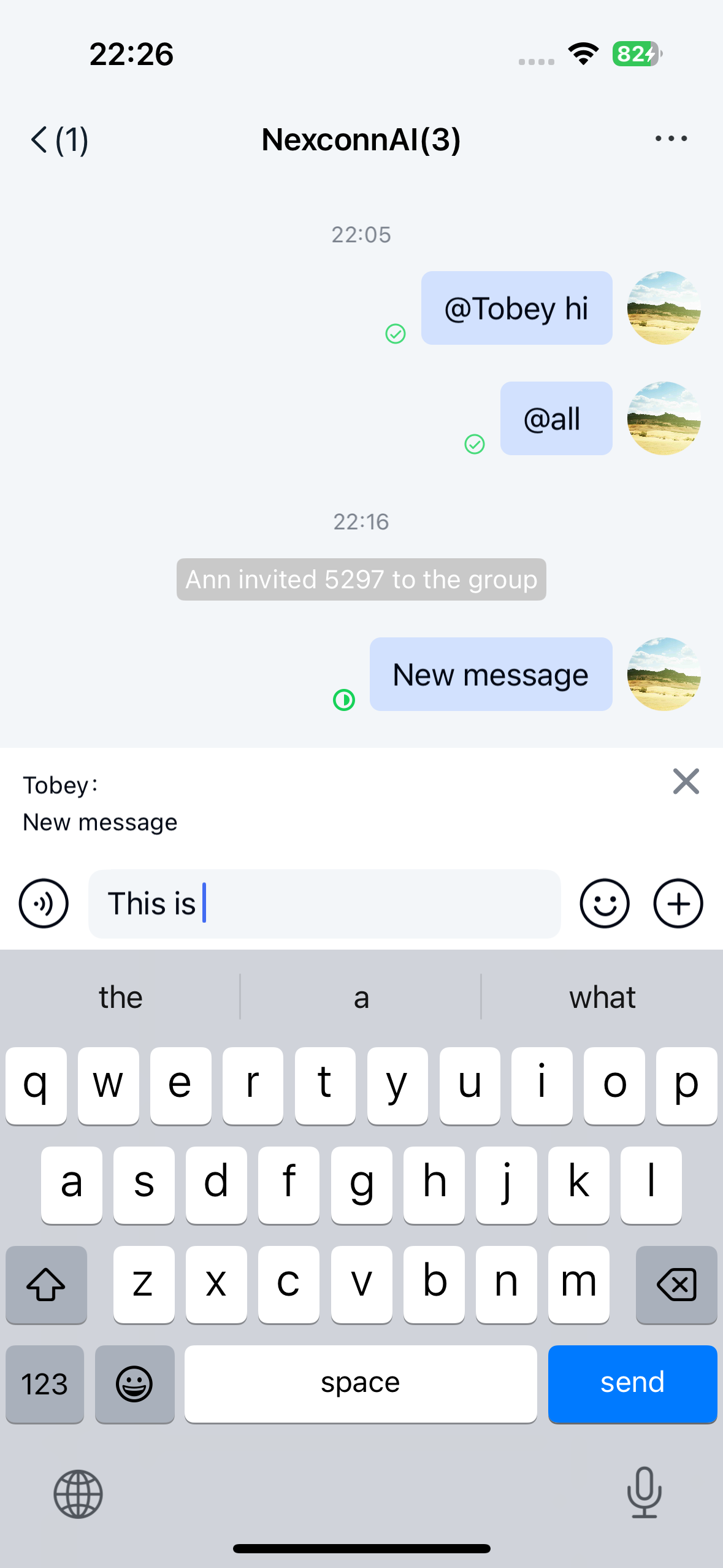
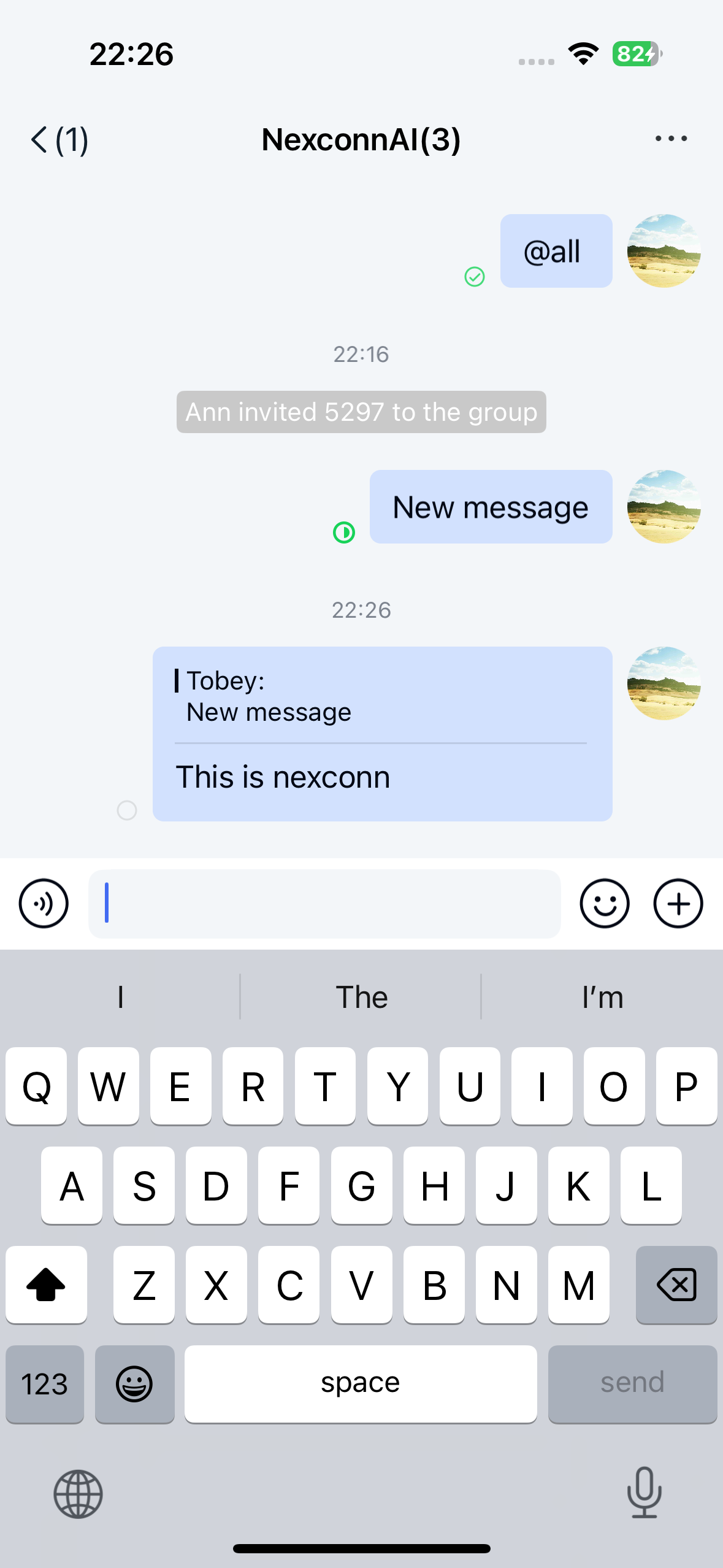
Chat UI SDK supports message reference, allowing users to reply to each other's messages in the channel screen. Referenced messages appear in the message list component on the channel page. By default, the message reference feature sends messages containing a reference message content object [ReferenceMessage] (type identifier: RC:ReferenceMsg).
Limitations
The message reference feature currently has the following limitations:
- Only supports referencing text messages, file messages, rich content messages, image messages, and reference messages.
- Reference depth is limited to one level, meaning you can only reference the original message. For multiple references, only the immediate parent message content is displayed.
- When a referenced message is deleted for everyone, the reference message still displays the referenced message content.
Usage
The Chat UI SDK channel screen enables message reference by default. Users can long-press a message in the channel screen and select Reference message from the menu to reference that message. After adding content in the input area, the SDK combines the input content with the referenced message into a [ReferenceMessage] and sends it to the channel.
Disable message reference
Chat UI SDK 5.X does not support controlling this feature by modifying XML resource files. To disable message reference, modify the Chat UI SDK global configuration:
Call after initialization.
NCChatUIConfig.featureConfig().enableReference(false);
Customize reference message UI
By default, the message reference feature sends messages containing reference message content (RC:ReferenceMsg), which are displayed in the message list using the ReferenceMessageItemProvider template.
All message display templates inherit from BaseMessageItemProvider<CustomMessage>. You can inherit from BaseMessageItemProvider<CustomMessage> to implement your own reference message display template class and provide the custom template to the SDK.
You can also directly replace the style resources, string resources, and icon resources referenced in the reference message display template. See the resources referenced in ReferenceMessageItemProvider.java in the Chat UI SDK source code.
For example, you can copy the entire content of nc_item_reference_message.xml from the Chat UI SDK source code, create a /res/layout/nc_item_reference_message.xml file in your project, and modify the style values as needed. Do not remove the default SDK controls or arbitrarily modify view IDs.