Group management page
The group management page class is NCGroupManagementViewController.
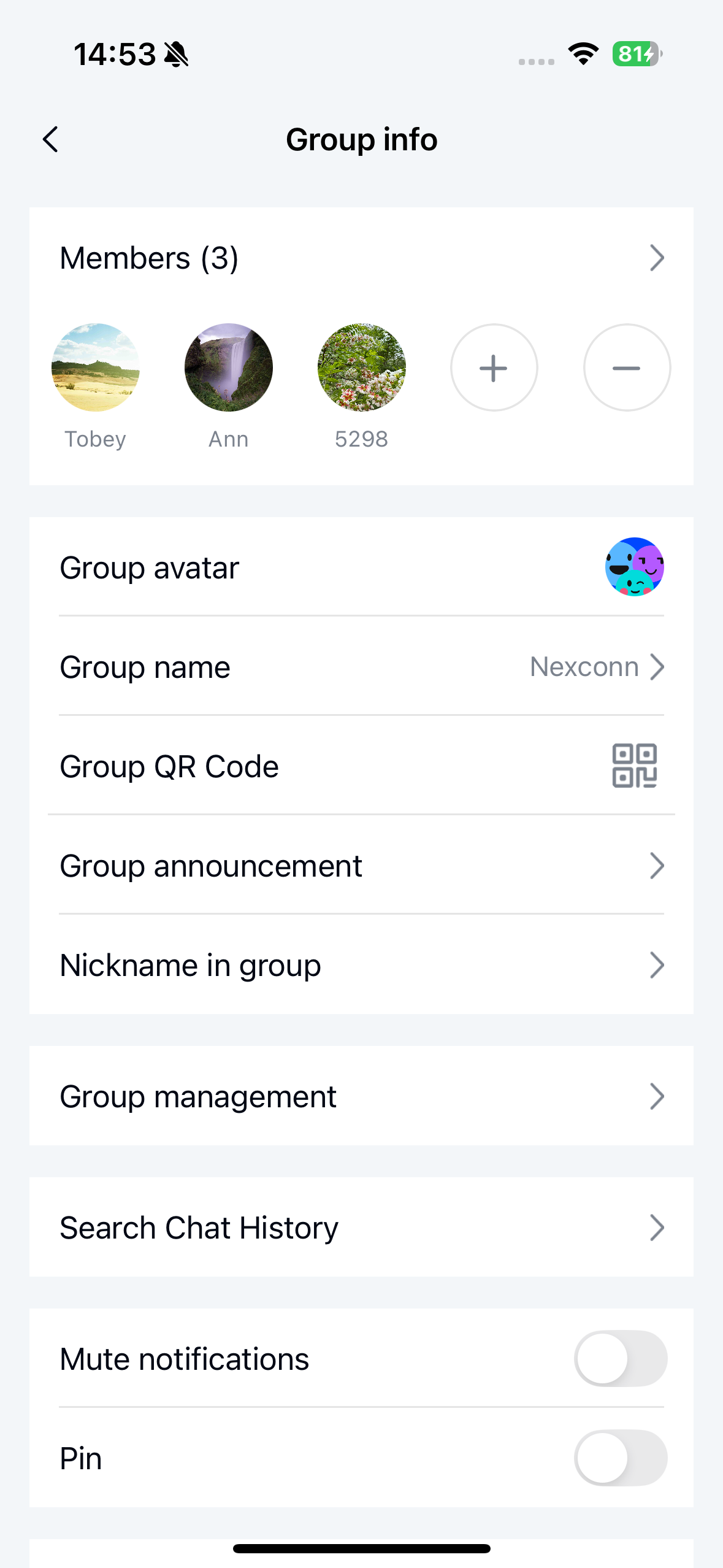
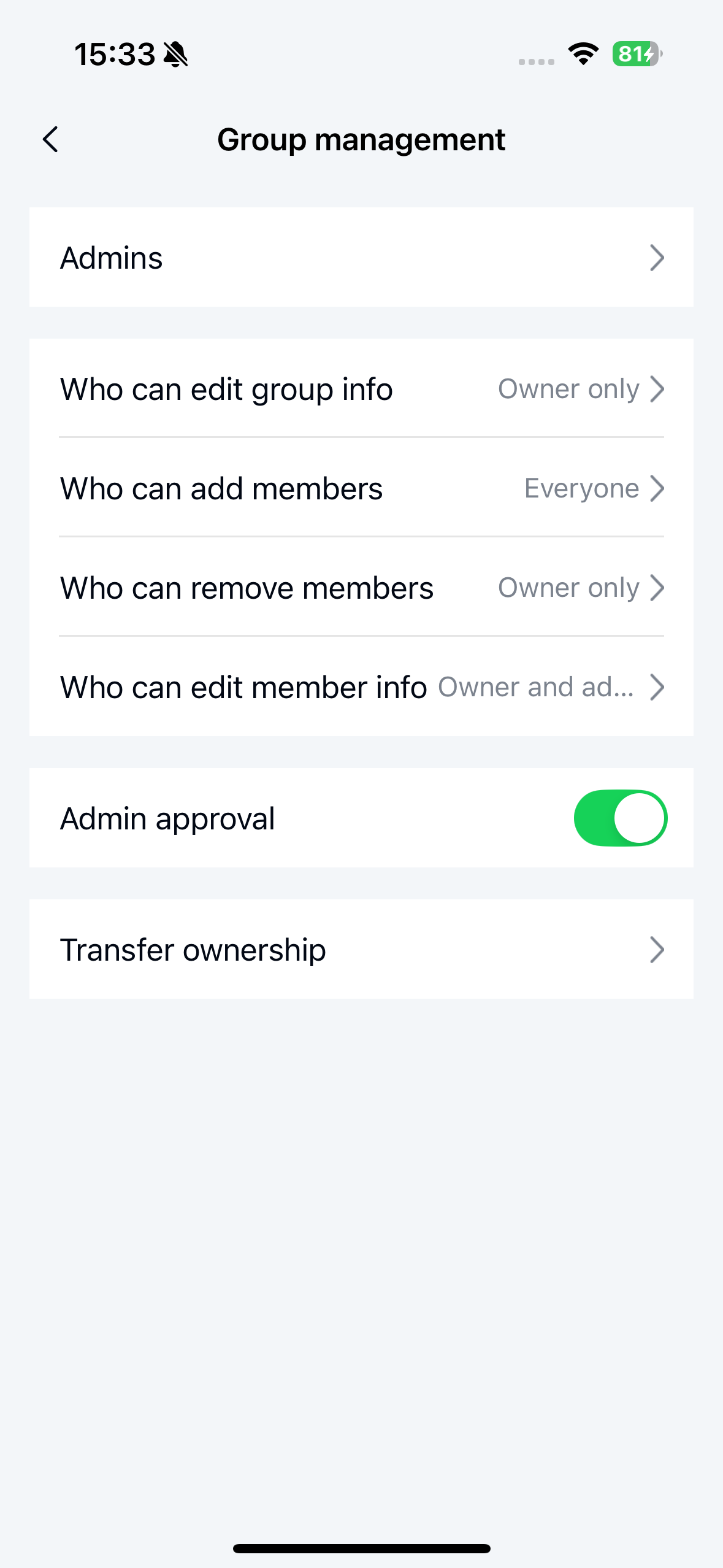
The group management items only appear in the group settings page for group owners or administrators.
Only the group owner can view and manage group management permissions.
Initialize
Initialize the group management page by calling the initialization method of NCGroupManagementViewController. Note that you need to create an NCGroupManagementViewModel object to serve as the business logic handler for NCGroupManagementViewController.
Parameter description
NCGroupManagementViewController parameters:
| Parameter | Type | Description |
|---|---|---|
| viewModel | NCGroupManagementViewModel | Business logic handler for NCGroupManagementViewController. |
NCGroupManagementViewModel parameters:
| Parameter | Type | Description |
|---|---|---|
| groupId | NSString | Group ID |
Example code
NSString *groupId = @"Group ID";
NCGroupManagementViewModel *viewModel = [NCGroupManagementViewModel viewModelWithGroupId:groupId];
NCGroupManagementViewController *vc = [[NCGroupManagementViewController alloc] initWithViewModel:viewModel];
[viewController.navigationController pushViewController:vc animated:YES];
Customize group management page cells
The data source for the group management page is NCBaseCellViewModel. To customize CellViewModel, refer to the logic in parts 1 and 2 of customizing current user profile page cells, noting that custom CellViewModel should inherit from NCBaseCellViewModel.
After creating a custom CellViewModel, proceed with customization as shown in the following example:
1. Add NCGroupManagementViewModel delegate
NSString *groupId = @"Group ID";
NCGroupManagementViewModel *viewModel = [NCGroupManagementViewModel viewModelWithGroupId:groupId];
/// Set delegate
viewModel.delegate = self;
2. Modify data source
- (NSArray <NSArray <NCBaseCellViewModel *> *> *)groupManagement:(NCGroupManagementViewModel *)viewModel
                                       willLoadItemsInDataSource:(NSArray <NSArray <NCBaseCellViewModel *> *> *)dataSource {
    NSMutableArray *list = dataSource.mutableCopy;
    NCProfileCustomCellViewModel *customCellVM = [NCProfileCustomCellViewModel new];
    customCellVM.title = @"Custom group management feature";
    customCellVM.detail = @"Default value";
    [list addObject:@[customCellVM]];
    return list;
}
3. Customize cell tap events
The cell tap events in the group management page are already implemented. Developers can customize the interception handling:
- (BOOL)groupManagement:(NCGroupManagementViewModel *)viewModel
         viewController:(UIViewController*)viewController
              tableView:(UITableView *)tableView
           didSelectRow:(NSIndexPath *)indexPath
          cellViewModel:(NCBaseCellViewModel *)cellViewModel {

    return YES;///YES: SDK won't process further, NO: SDK handles internally
}