Group member follow list page
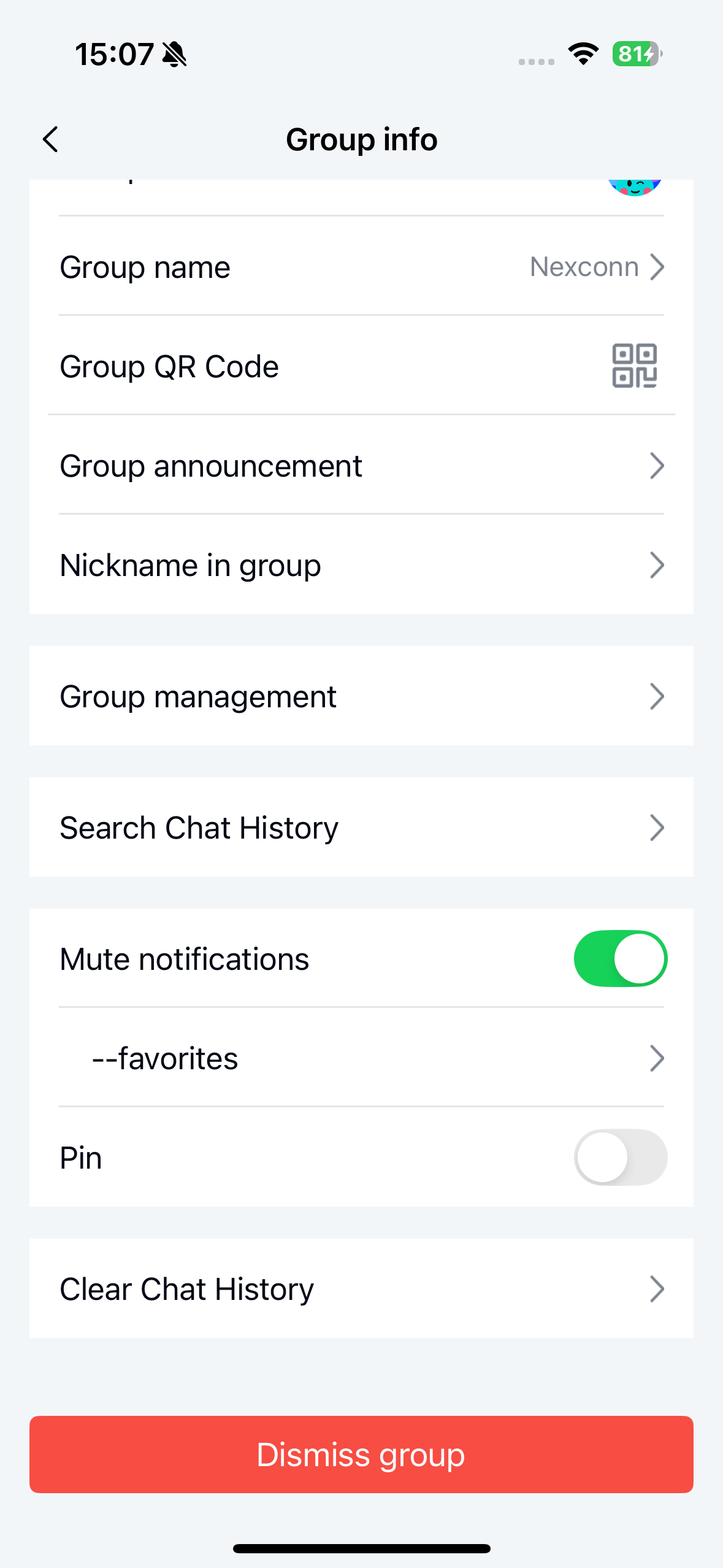
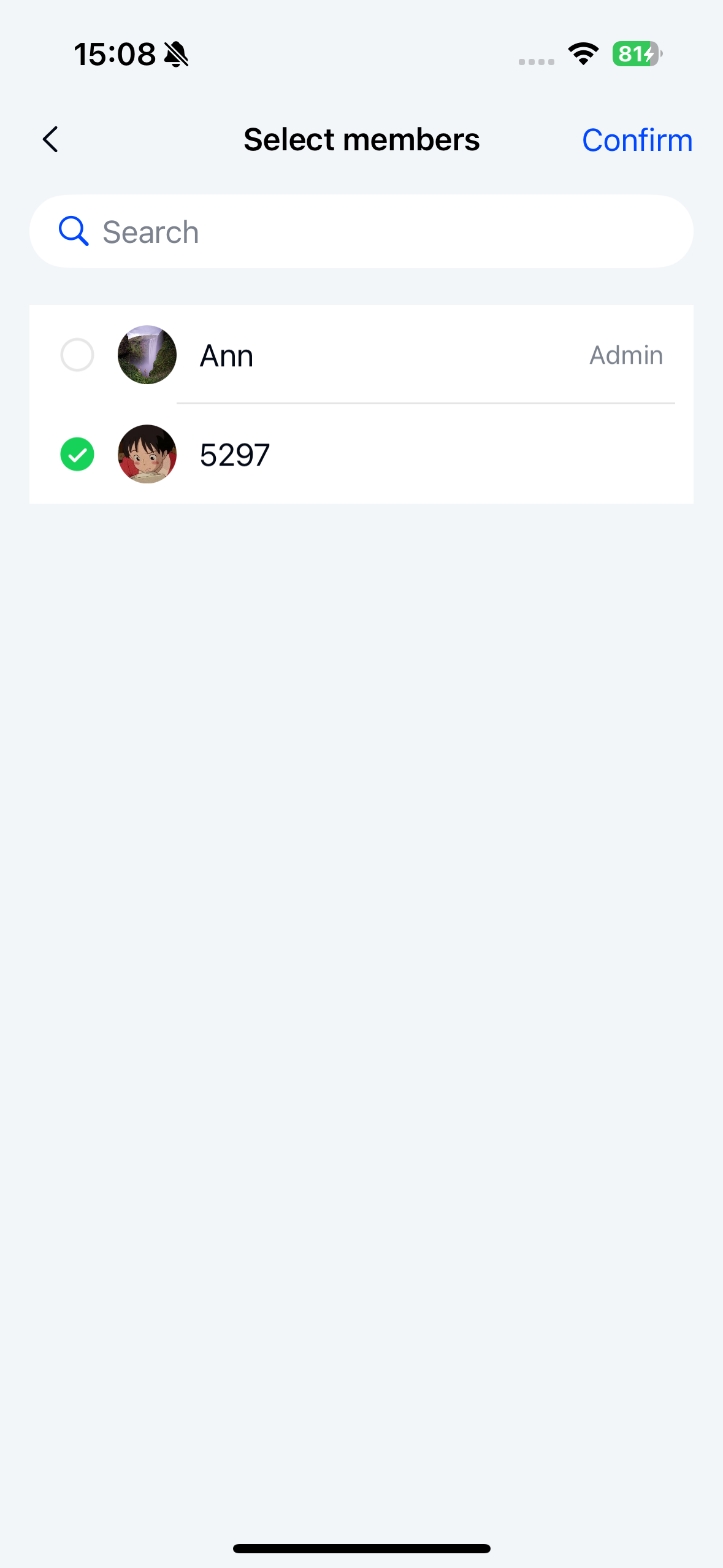
When do not disturb mode is enabled for a channel, you can still receive remote push notifications for messages sent by group members in your follow list.
The group member follow list page is implemented by the NCGroupFollowsViewController class.
When do not disturb mode is enabled in group settings, a Follow Members option appears. Tap this option to open the follow list page where you can add or remove members from your follow list.
Initialize the controller
Create an instance of NCGroupFollowsViewController to display the group member follow list. Note that you must first create an NCGroupFollowsViewModel object to handle the business logic for the view controller.
Parameters
NCGroupFollowsViewController parameters:
| Parameter | Type | Description |
|---|---|---|
| viewModel | NCGroupFollowsViewModel | The business logic handler for NCGroupFollowsViewController. |
NCGroupFollowsViewModel parameters:
| Parameter | Type | Description |
|---|---|---|
| groupId | NSString | The group channel ID. |
Example code
Objective C
NSString *groupId = @"Group ID";
NCGroupFollowsViewModel *viewModel = [NCGroupFollowsViewModel viewModelWithGroupId:groupId];
NCGroupFollowsViewController *vc = [[NCGroupFollowsViewController alloc] initWithViewModel:viewModel];
[viewController.navigationController pushViewController:vc animated:YES];