Message multi-selection
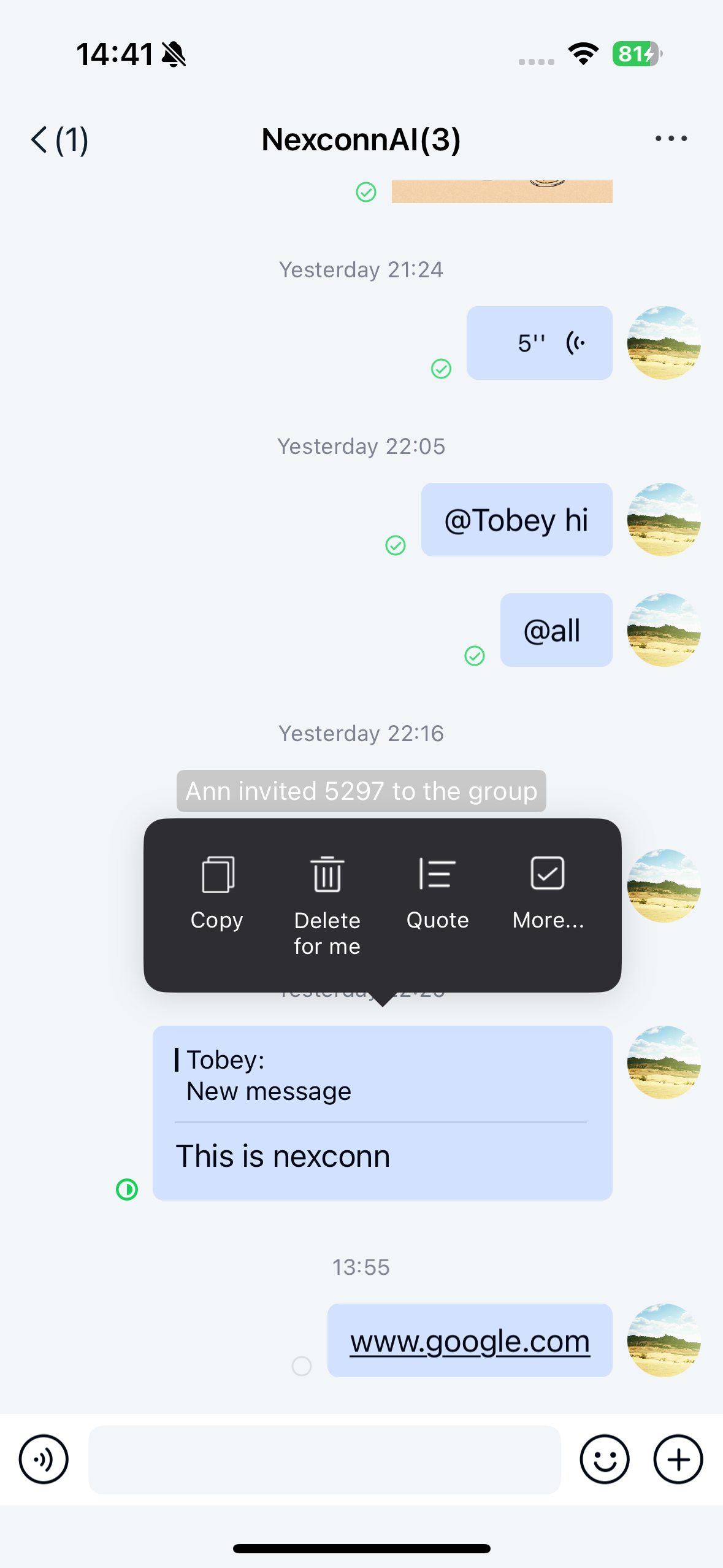
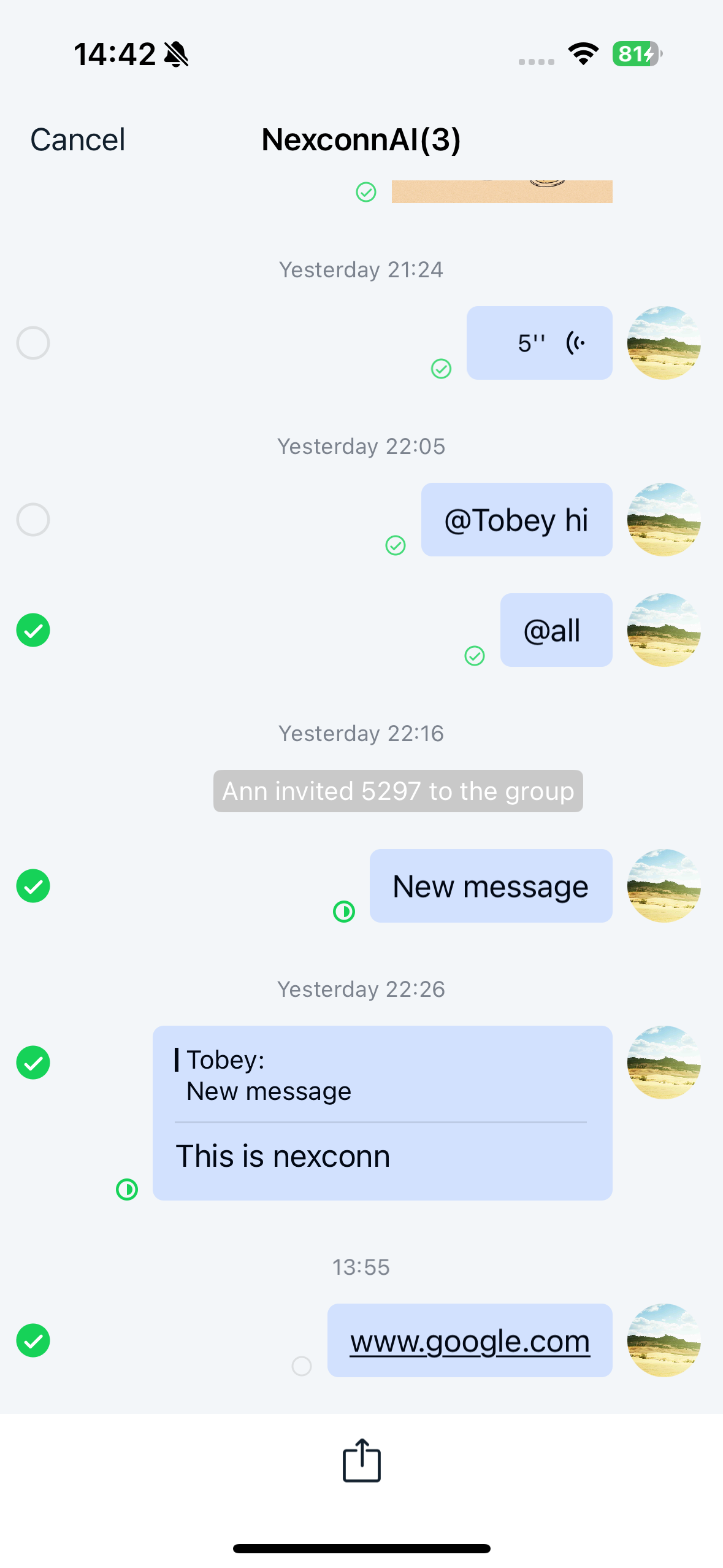
Chat UI channel pages support long-press message multi-selection functionality.
Demo
Customizing multi-selection
Setting multi-selection state
Set the allowsMessageCellSelection property of the channel page NCChannelViewController to toggle between multi-selection and initial states. When set to YES, message cells switch to multi-selection style; when NO, the page returns to its initial state.
@property (nonatomic, assign) BOOL allowsMessageCellSelection;
To modify whether built-in SDK messages allow multi-selection, override the willDisplayMessageCell: method in the channel view controller. For custom messages that support multi-selection, handle the multi-selection logic in the corresponding message cell.
- (void)willDisplayMessageCell:(NCMessageBaseCell *)cell atIndexPath:(NSIndexPath *)indexPath;
Getting selected messages
The selectedMessages property only contains valid values when allowsMessageCellSelection is set to YES on the NCChannelViewController.
@property(nonatomic, strong, readonly) NSArray<NCMessageModel *> *selectedMessages;
Customizing the bottom toolbar
When entering multi-selection mode, a toolbar appears at the bottom of the page. You can add actions for selected messages such as forwarding or favoriting. Add these actions by configuring UIBarButtonItem instances on the messageSelectionToolbar property in the channel view controller's viewDidLoad method.
@property(nonatomic, strong) UIToolbar *messageSelectionToolbar;