Friend Request List Page
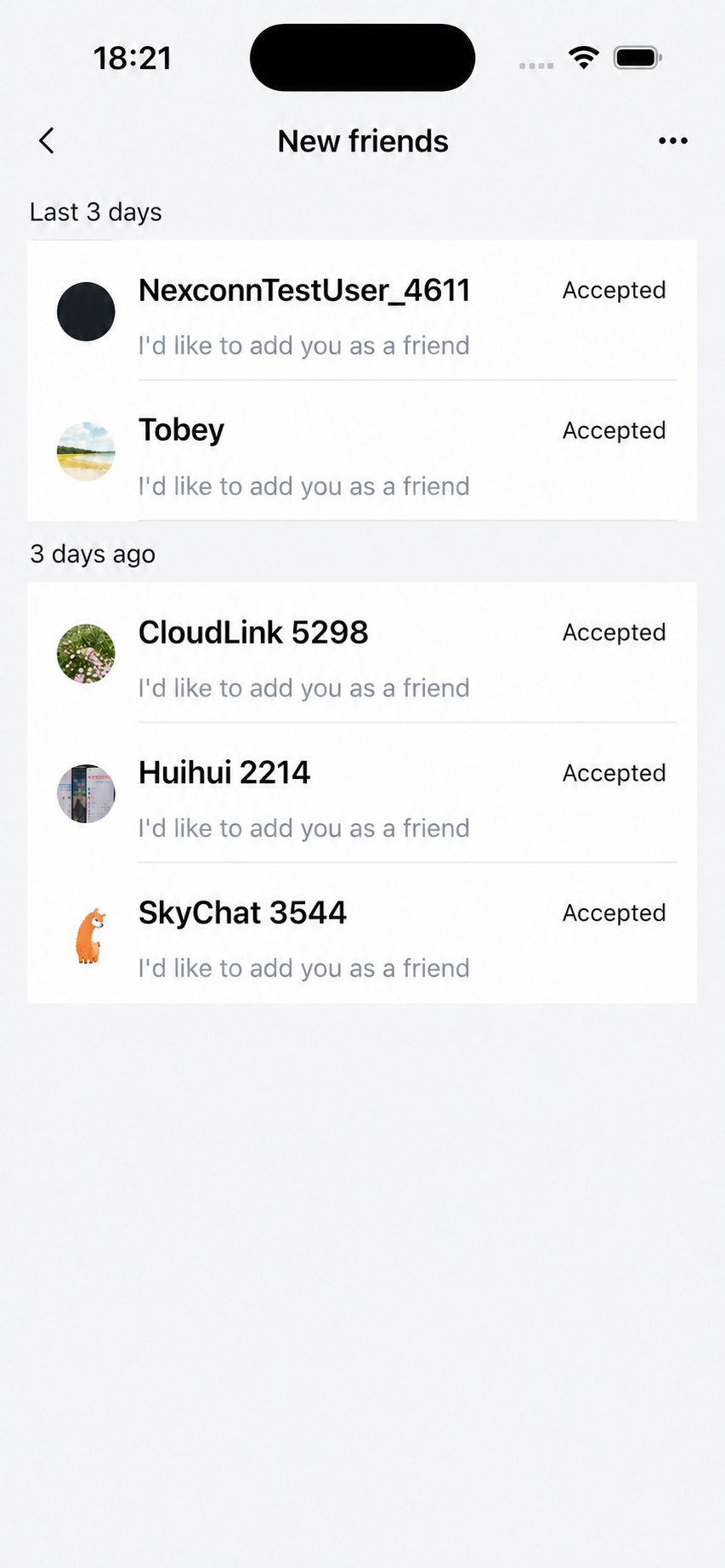
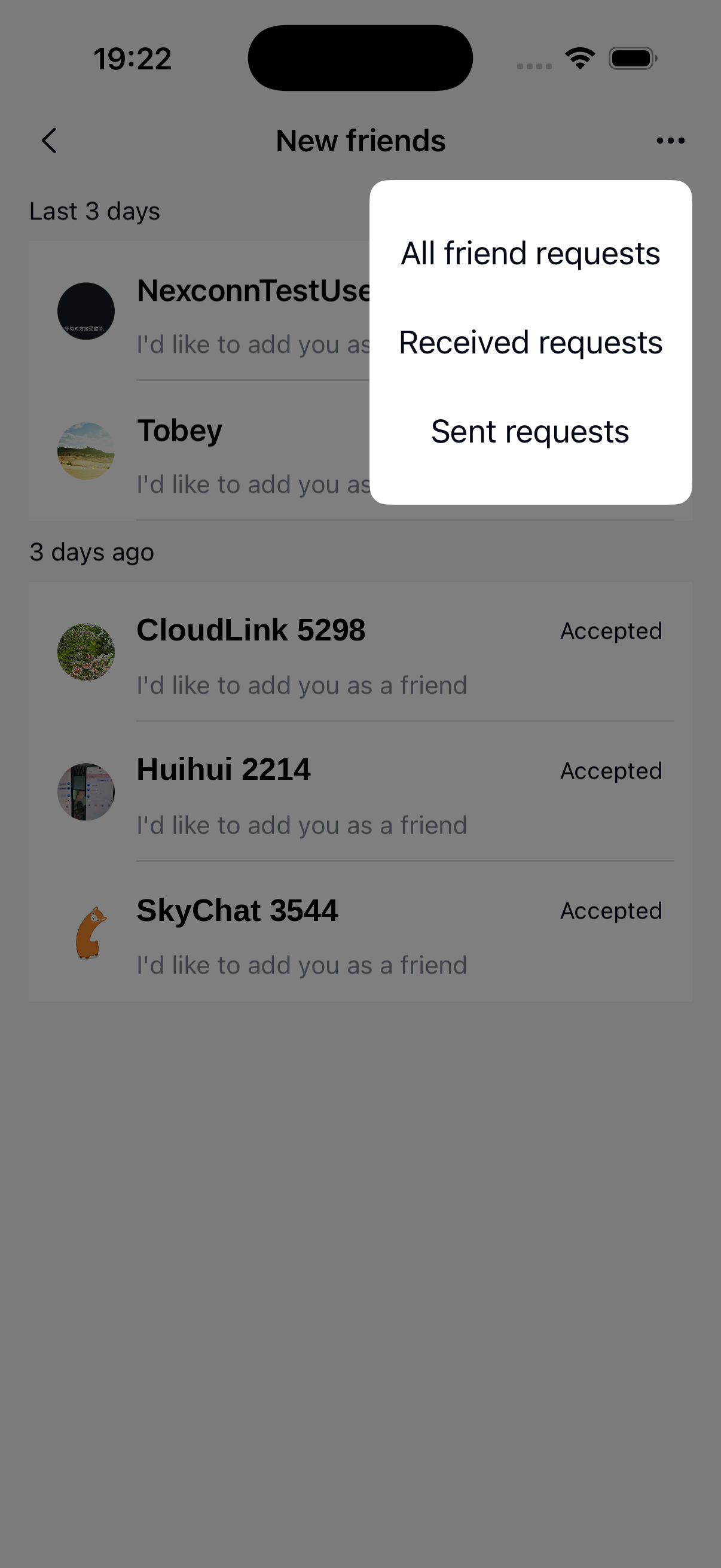
The ApplyFriendList page displays and manages friend requests. Users can view received and sent friend requests, and accept or decline them. The following components make up the ApplyFriendList page:
- ApplyFriendListActivity: Container class that loads and displays
ApplyFriendListFragment. - ApplyFriendListFragment: Core component that displays the friend request list, handles accept and decline operations, and provides filtering and refresh functionality.
- ApplyFriendViewModel: Data and business logic handler that retrieves friend request list data and processes accept or decline operations.
- XML layout:
nc_page_friend_list_apply.xml
The friend request list page consists of a navigation bar and a friend request list.
Customization
See Page customization design for custom Fragment implementation.
You can customize the appearance of the Chat UI friend request list page.
Launch the friend request list page
Java
startActivity(ApplyFriendListActivity.newIntent(getContext()));
Title bar, navigation buttons, and friend request click events
Java
// Custom CustomApplyFriendListFragment
public class CustomApplyFriendListFragment extends ApplyFriendListFragment {

    @Override
    protected void onViewReady(@NonNull ApplyFriendViewModel viewModel) {
      super.onViewReady(viewModel);
      // Change title text
      headComponent.setTitleText("New Title");

      // Override title bar back button click event
      headComponent.setLeftClickListener(new View.OnClickListener() {
            @Override
            public void onClick(View v) {

            }
        });

      // Override search
      searchComponent.setSearchQueryListener(
                new SearchComponent.OnSearchQueryListener() {
                    @Override
                    public void onSearch(String query) {
                      // Search input callback
                    }

                    @Override
                    public void onClickSearch(String query) {
                        // Search click callback
                    }
                });

    }

    // Friend request accept click
    @Override
    protected void onFriendApplyAcceptClick(UiFriendApplicationInfo uiFriendApplicationInfo) {

    }

    // Friend request decline click
    @Override
    protected void onFriendApplyRejectClick(UiFriendApplicationInfo uiFriendApplicationInfo) {

    }
}
Customize list functionality
The data list supports custom time grouping intervals.
Java
// Custom ViewModel (for example: CustomApplyFriendViewModel)
public class CustomApplyFriendViewModel extends ApplyFriendViewModel {

   public CustomApplyFriendViewModel(@NonNull Bundle arguments) {
      super(arguments);
   }

   // Override getTimeLabel method to return the string to display
   @Override
   protected @StringRes int getTimeLabel(long timestamp) {

   }
}