Pinning channels
Channel pinning keeps important channels near the top of the channel list. Nexconn Chat UI reads the pinned state from BaseChannel.isPinned and updates it through ChannelProvider.
UI preview
The following image shows a pinned channel in the default channel list.
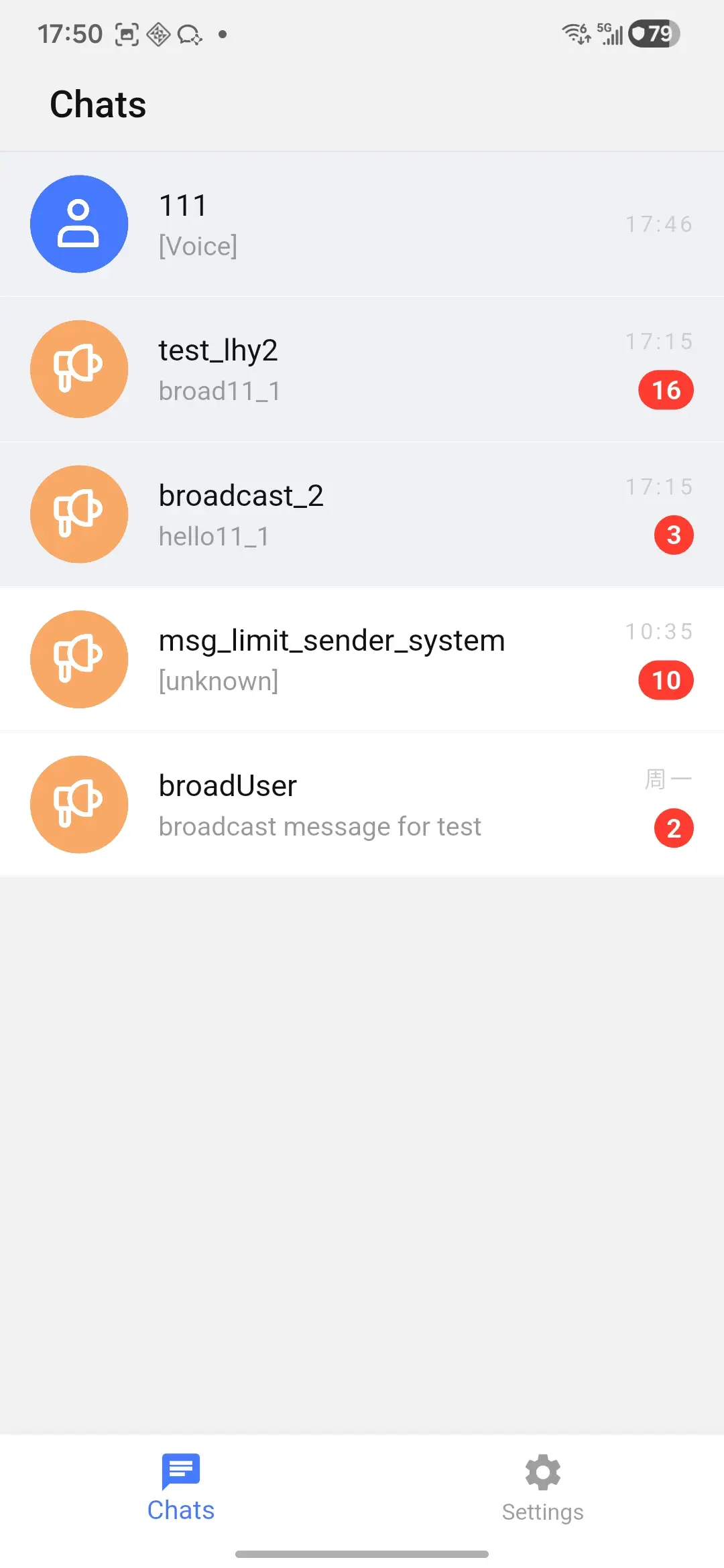
Default UI
The channel page supports pinning from the default long-press menu and from swipe actions.
Default channel actions include:
- Pin or unpin
- Mute or unmute
- Delete
Pinned channels use ChannelItemConfig.pinnedBackgroundColor in the default list item. Set showPinnedIndicator to show a small pin indicator next to the title.
ChannelConfig(
  itemConfig: ChannelItemConfig(
    showPinnedIndicator: true,
    pinnedBackgroundColor: Color(0xFFEFF1F7),
  ),
)
Pin or Unpin in Code
final error = await channelProvider.pinChannel(channel);
if (error != null && !error.isSuccess) {
  // Show your own error state.
}
final error = await channelProvider.unpinChannel(channel);
if (error != null && !error.isSuccess) {
  // Keep the previous UI state and show an error.
}
pinChannel reloads the channel list after the SDK successfully pins the channel. By default, it updates the channel operation time.
await channelProvider.pinChannel(
  channel,
  updateOperationTime: false,
);
Customize Actions
Use ChannelPage callbacks when your app needs custom menus or business rules.
ChannelPage(
  channelActionsBuilder: (channel) {
    final pinned = channel.isPinned ?? false;
    return [
      ChannelAction(
        type: pinned ? ChannelActionType.unpin : ChannelActionType.pin,
        label: pinned ? 'Unpin' : 'Pin',
        icon: Icons.push_pin,
      ),
    ];
  },
  onChannelAction: (context, channel, action) async {
    final provider = context.read<ChannelProvider>();
    final error = switch (action) {
      ChannelActionType.pin => await provider.pinChannel(channel),
      ChannelActionType.unpin => await provider.unpinChannel(channel),
      _ => null,
    };

    if (error != null && !error.isSuccess) {
      ScaffoldMessenger.of(context).showSnackBar(
        SnackBar(content: Text(error.message ?? 'Pin action failed')),
      );
    }
  },
)
Final sorting and sync behavior come from the underlying channel query and SDK state. If your app needs a different ordering policy, provide your own channel list UI or sort a copied channel list before rendering.