Service introduction
Welcome to Nexconn Chat. This page introduces Nexconn's chat architecture, ecosystem, and key concepts.
Why Nexconn Chat
Nexconn's architecture is designed for seamless integration:
- No architectural changes required: Integrates directly into your existing codebase without restructuring
- Independent backend deployment: Simply deploy a service for user authorization without modifying your app server
- Focused on communication: Uses a proprietary binary protocol for lightweight, ordered, and reliable message delivery
- Secure authentication: Built-in identity verification and authorization prevents SDK abuse like spam and unauthorized access
Nexconn Chat doesn't require you to build a parallel user system or sync your app's user data. It works harmoniously with your existing architecture and account system.
Core products
Nexconn currently offers four chat products: Direct Channels, Group Channels, Community Channels, and Open Channels. Each product corresponds to a different channel type in the Nexconn platform.
Direct Channels enable one-to-one conversations. Group Channels work like WhatsApp groups for small teams. Community Channels and Open Channels both support unlimited members. Community Channels (similar to Discord) provide a new social structure with public/private subchannels and user groups, ideal for building large communities. Open Channels are designed for live streaming, forums, gaming, and real-time discussions where only online users receive messages.
The main differences between Direct Channels, Group Channels, Community Channels, and Open Channels are as follows:
| Feature | Direct Channel | Group Channel | Community Channel | Open Channel |
|---|---|---|---|---|
| Analogous to | Private messaging (e.g., WhatsApp DM) | Group chat (e.g., WhatsApp group) | Community-based (e.g., Discord) | Open chatroom |
| Key features | Supports offline push notifications and message history roaming | Supports offline push and history roaming; suitable for interest groups, work teams, and customer service | Unlimited members; supports message editing; provides public/private channels, user groups, and other community features | Unlimited members; only online users receive messages; local history is cleared on exit |
| Pricing plans | All plans | All plans | Pro plan only | All plans |
| Service activation | Not required | Not required | Required | Not required |
| How to create | Not required | Server API | Server API | Server API |
| How to destroy/disband | N/A | Server API | Server API | Server API, or via the auto-destroy mechanism |
| Member limit | N/A | Up to 3,000 members | Unlimited | Unlimited |
| Join limit | N/A | Unlimited | Up to 100 groups; up to 50 channels per group | Default: 1 chatroom at a time; the limit can be disabled in the console |
| Access messages before joining | N/A | Turn off Restrict chat history access to members under Chat > Chat settings > Group Channels on the Chat settings page | Turn off Restrict message access to members under Chat > Chat settings > Community Channels on the Chat settings page | Clients receive up to the latest 50 messages upon joining |
| Client send rate | 5 messages/second per client | 5 messages/second per client | 5 messages/second per client | 5 messages/second per client |
| Server send rate | Default rate limits apply per API list; upgradeable for a fee | Default rate limits apply per API list; upgradeable for a fee | Default rate limits apply per API list; upgradeable for a fee | Default rate limits apply per API list; upgradeable for a fee |
| Message metadata | Supported | Supported | Supported | Not supported |
| Message editing | Supported | Supported | Supported | Not supported |
| Message reliability | 100% reliable | 100% reliable | 100% reliable | Messages exceeding server capacity limits are discarded; enable message priority or priority senders service to manage |
| Local message storage | Mobile and PC | Mobile and PC | Mobile and PC | Not supported |
| [Cloud message storage] | Requires activation; 6–36 months retention | Requires activation; 6–36 months retention | Default 7 days; 3–36 months available | Requires activation; 2–36 months retention |
| Offline message cache | Default 7-day offline cache | Default 7-day offline cache | Not supported | Not supported |
| Local message search | Supported | Supported | Supported | Not supported |
| Offline push notifications* | Supported | Supported | Supported; push frequency is adjustable | Not supported |
* Offline push notifications use Nexconn's cloud push service to deliver notifications to users' devices via third-party push services when they are offline. Nexconn handles integration with major vendor push platforms, including Huawei, FCM, and APNs system-level push channels. Features include tag-based push, multiple push scenarios, push analytics, and bulk user notifications.
Advanced features
Chat service supports advanced features including but not limited to:
- User Management: User bans, blocklists, allowlists, channel muting, open channel participant bans, and more.
- Online Status Sync: Synchronize user online/offline/logout status from every device to your specified server.
- Multi-device Message Sync: Seamlessly sync messages across desktop, mobile, and multiple web clients.
- Message Routing: Route all messages from direct channels, group channels, open channels, and community channels to your application server.
- Content Moderation: Configure profanity filters to block or replace inappropriate content. Use message callbacks to route messages to your server for approval before delivery.
- Push Notifications: Tag-based push, package name filtering, push analytics, broadcast notifications, and more.
Server APIs
Your backend can use Nexconn's Chat Server APIs to:
- Get Access Tokens
- Create Group Channels
- Add Users to Group Channels
- Create Open Channels
- Create Community Channels
Some advanced features are only available through Chat Server APIs, including system notifications, broadcast to online users, and user bans. For complete details, see API Reference List.
Chat service provides Server Callbacks (Webhooks) to sync business data and status updates to your callback URL, such as user online status changes and open channel status changes. Callback responses can control whether messages are delivered to recipients. All server callbacks require configuration and activation in the Console.
Client SDKs
Your application connects to Nexconn services, sends messages, and builds features by integrating Chat SDK SDK and UI libraries.
- Chat SDK (Chat SDK): Chat SDK SDK provides a simple solution for integrating instant messaging capabilities. With Chat SDK's encapsulated communication features and objects like channels and messages, you can build your own UI from scratch. See Chat SDK SDK.
As long as clients (including application servers) use the same App Key, clients across different platforms and SDK versions can communicate with each other.
Console
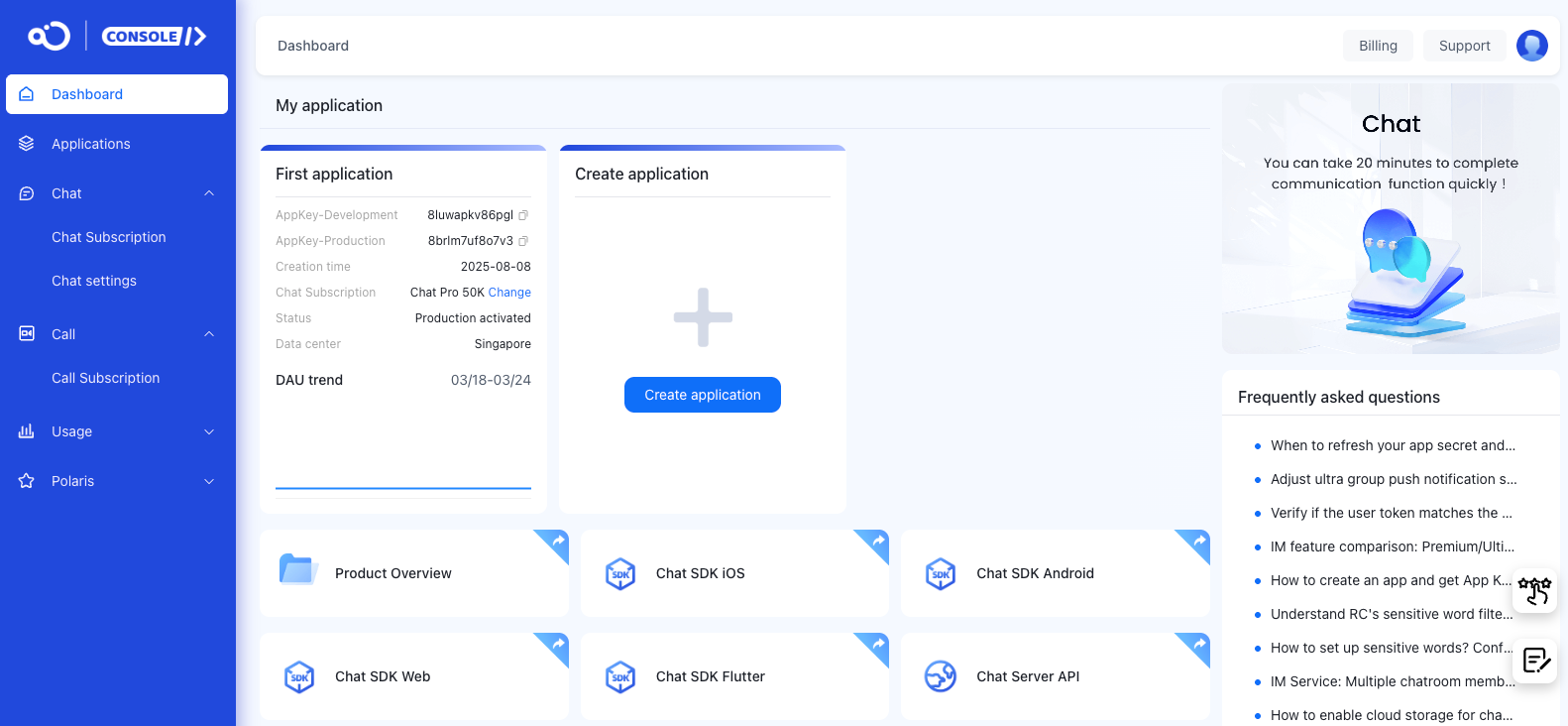
The Console serves as a comprehensive service platform, providing one-stop access and management for App Keys, App Secrets, billing, and various feature configurations.
You can also use the Console to debug Chat Server APIs, query message status, check connection status, add Webhooks, and more.
Data & privacy
Nexconn does not utilize customer data. Nexconn provides comprehensive data privacy protection policies - learn more in our SDK Privacy Policy.
For storing, viewing, and accessing chat-related data, consider these options:
- Cloud Message Storage: Message history for direct channels, group channels, and open channels is stored in the cloud by default. This data is used for client message history retrieval.
- Message History Download: Enable Server API Message History Download to download up to three days of message logs for all users using the Server API.
- Message Routing: Enable Full Message Routing to sync messages to your business server in real-time.
- Analytics Dashboard: Visit the Console Data Analytics page to view user statistics, channel analytics, message statistics, and health checks. Additional analytics are available with corresponding service activations.