Customize push notification sounds
The remote push notification sound is the sound played when a notification arrives via the APNs push channel. The app only receives APNs push notifications when it is closed.
APNs remote push notifications are not triggered when the app is in the background but has not been reclaimed by the system. If you integrate Chat SDK, you must implement local notifications yourself.
Customize the push notification sound
Message push notifications default to the sound and vibration settings on the device.
To use a custom sound, bundle the sound file in your application. You also need to configure the custom push notification sound file path in the Nexconn console. The sound file path should be the path within the app package after the IPA is extracted.
Due to iOS system limitations, custom push notification sounds cannot exceed 30 seconds.
Set a unified push sound
-
Go to the App Identifiers page in the Nexconn console and find the app identifier you want to configure.
-
Click Configure Push, find Custom Push Sound in the iOS configuration area, and enter the custom sound file path (the file path inside the app package after the IPA is extracted).
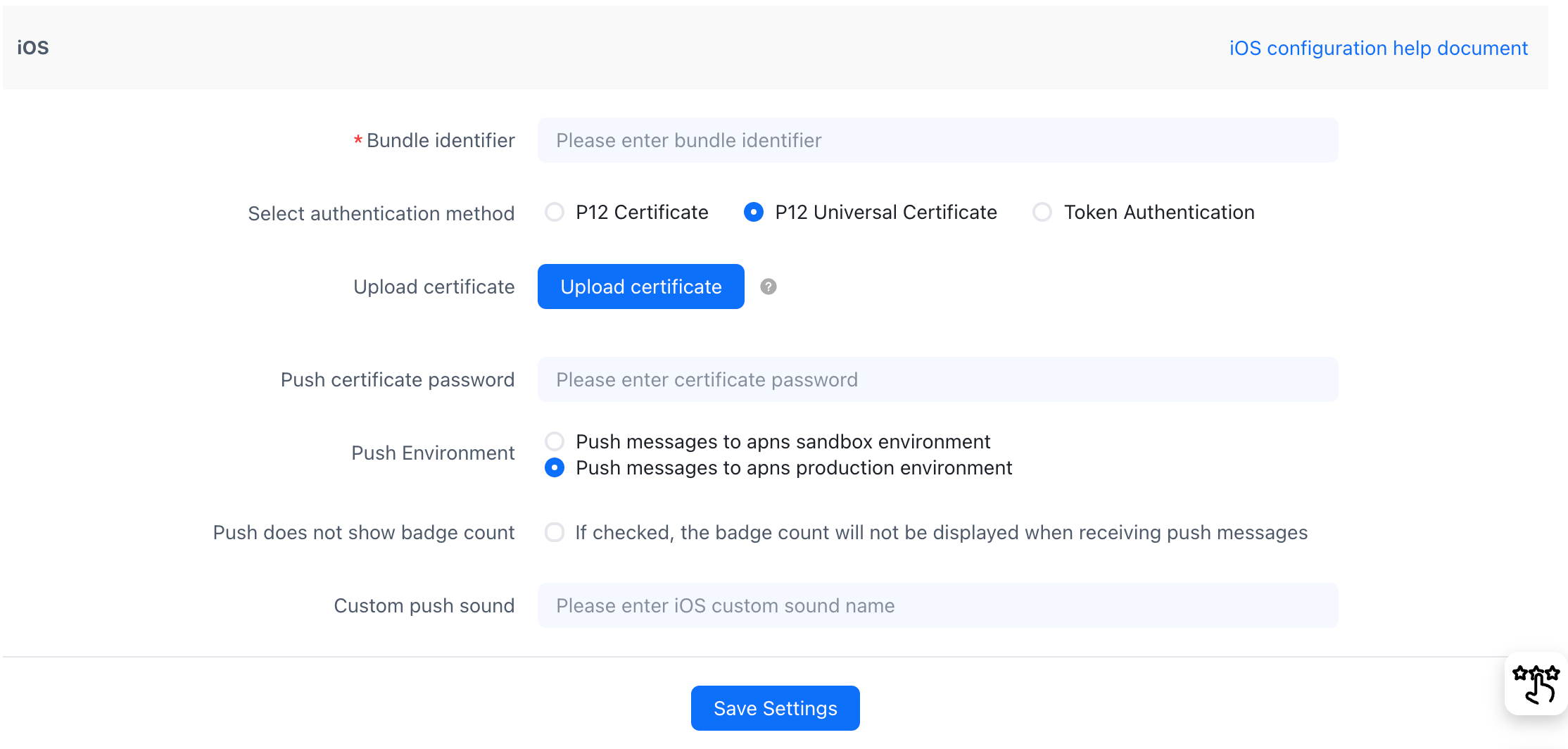
Set sounds by message type
Nexconn supports setting a custom push notification sound per message type.
-
Go to the Custom Push Sound page in the Nexconn console, click the iOS tab, then click Add.
-
Enter the Bundle ID, message type name, and the custom sound file path (the file path inside the app package after the IPA is extracted).