Service introduction
Nexconn's real-time audio/video platform is built on WebRTC, enabling you to build real-time audio/video functionality into your Web and mobile applications. Using Nexconn's REST API and client SDKs, you can capture, transmit, and play media, and manage network connections in your application.
Supported platforms
Currently supports the following platforms:
- Mobile : Android (Java/Kotlin), iOS (Objective-C/Swift), Flutter, uni-app, React Native
- Web : Javascript
- Desktop : Electron
Use cases
Real-time video applications can be used for a wide range of applications and use cases, including:
- Virtual interviews
- Online classrooms
- Remote collaboration
- Telemedicine
- Remote identity verification
- Live social networking
- Webinars
- Virtual events (online launches)
Key features
Nexconn meeting and live streaming products provide a range of features including video simulcast, voice effects, screen sharing, cloud recording, detailed call analytics, and more.
Core features include:
| Feature | Description | Mode |
|---|---|---|
| Join room | Users must join the same room before initiating audio/video communication. | All |
| Leave room | Exit the room after ending the call. Audio/video is disabled by default, subscriptions are cleared, and all user information in the room is removed. | All |
| Get room info | Retrieve current room details such as room ID, current user, and other joined users. | All |
| Set room properties | Customize room metadata, such as user role identifiers, for business logic processing via property retrieval. | All |
| Publish audio/video stream | Capture and publish audio/video streams from the camera and microphone to the room. Other users in the room receive a notification and can choose to subscribe. | All |
| Custom audio/video stream | Publish custom audio/video streams from a file or network source. | All |
| Unpublish audio/video stream | Stop publishing audio/video streams when closing the camera/microphone or ending the call. | All |
| Subscribe to individual streams | Subscribe to a user's original audio/video stream (individual stream), render it independently, and combine it freely with your own UI. | All |
| Live stream control | In live mode, control CDN and mixed-stream settings via the stream object returned after publishing. | Live mode only |
| Subscribe to mixed stream | Subscribe to a server-merged stream (mixed stream) for low latency and bandwidth efficiency, with support for custom layout. | Live mode only |
| Subscribe to CDN stream | Push RTMP streams via Nexconn's service and distribute via CDN for greater cost efficiency. | Live mode only |
| Cross-room PK | Allow hosts in different live rooms to connect for cross-room PK battles with their respective audiences. | Live mode only |
| Video stream preprocessing | Receive a callback after video capture for custom processing such as beauty filters, skin smoothing, and watermarks. | All |
| Audio stream preprocessing | Receive a callback after audio capture for custom processing such as equalizers and personalized audio effects. | All |
| User join callback | Monitor user join and leave events in the room. | All |
| Audio/video stream change monitoring | Notify other participants of audio stream status changes in scenarios such as meeting control and remote guidance. | All |
| First keyframe arrival | Used to display the initial video frame when a user joins the room. | All |
| Video preview frame callback | Preview watermark effects during implementation. | All |
| Camera control | Enable, disable, or switch device cameras. | All |
| Microphone control | Enable or disable the active microphone. | All |
| Speaker/earpiece toggle | Switch between speaker and earpiece on the current device. | All |
| Data statistics | Report detailed call data at specified intervals, including audio/video stream metrics, quality data, network status, and volume data. | All |
Advanced and extended features supported by RTC service include but are not limited to:
- Custom Filters : Build your own audio/video filters similar to Snapchat or Talking Tom filters. Add fun effects like retro style, birthday themes, or funny hats to create engaging unique experiences for participants.
- Screen Sharing: Initiate screen sharing in rooms via custom video streams.
- Custom Encryption: Optionally encrypt media streams to ensure user data security.
- Beauty Filters : Use Nexconn official or third-party beauty plugins to set whitening, brightness parameters, or add various filters.
- Voice Effects : Use Nexconn official voice effects plugins to add fun voice qualities, voice changers, and reverb effects like bass, Hulk, concert hall, etc., creating engaging unique experiences for participants.
- Third-party Plugin Integration: Integrate third-party SDKs using video frame data callback interfaces provided by the SDK.
- Network Probing: Probe network quality before joining audio/video rooms, then return current network quality data including round-trip latency, upstream/downstream packet loss rate, upstream/downstream network bandwidth via callbacks.
- Supplemental Enhancement Information: Push side supports sending custom SEI (Supplemental Enhancement Information) to enable more custom functionality. Generally used for precise video layout, remote lyric sync, live quiz applications, etc.
- Cloud Recording: Record each participant's audio/video separately or merged during audio/video calls, live streaming, or meetings.
- Content Moderation: Nexconn media server (RTC Server) transcodes received audio/video streams for review, returning audit results to application server.
- Bypass Push: In live streaming mode, supports converting Nexconn real-time audio/video streams to RTMP streaming protocol for pushing to CDN services.
Some features require RTC Server API usage. Specific supported features are platform-dependent. See client SDK development documentation or server development documentation for usage details.
Server
Your backend can use Nexconn Server's RTC Server API to:
- Query room participants and resources
- Kick participants from audio/video rooms
- Start recording, etc.
Some advanced features are only available in RTC Server API, such as cloud screenshots, cloud player, etc.
Client
Your application connects to Nexconn services, transmits instant messages, and builds other functionality by integrating RTCLib SDK, Call SDK, and other UI libraries.
- Audio/Video Core SDK : RTCLib SDK provides a simple solution for integrating real-time audio/video communication (RTC) capabilities. With RTCLib SDK's encapsulated audio/video communication capabilities and objects like audio/video streams and rooms, you can build your own meeting and live streaming application UI from scratch.
- Calling SDK : CallLib SDK and Call SDK are calling SDKs built on the core SDK, encapsulating the complete calling flow including dialing, ringing, answering, and hanging up. Supports one-to-one and multi-party calling capabilities. You can build your own calling UI from scratch based on CallLib SDK or Call SDK without handling complex RTCLib layer APIs.
- Calling UI Library : Call UI is a UI component library that includes calling interfaces to simplify your integration experience.
Console
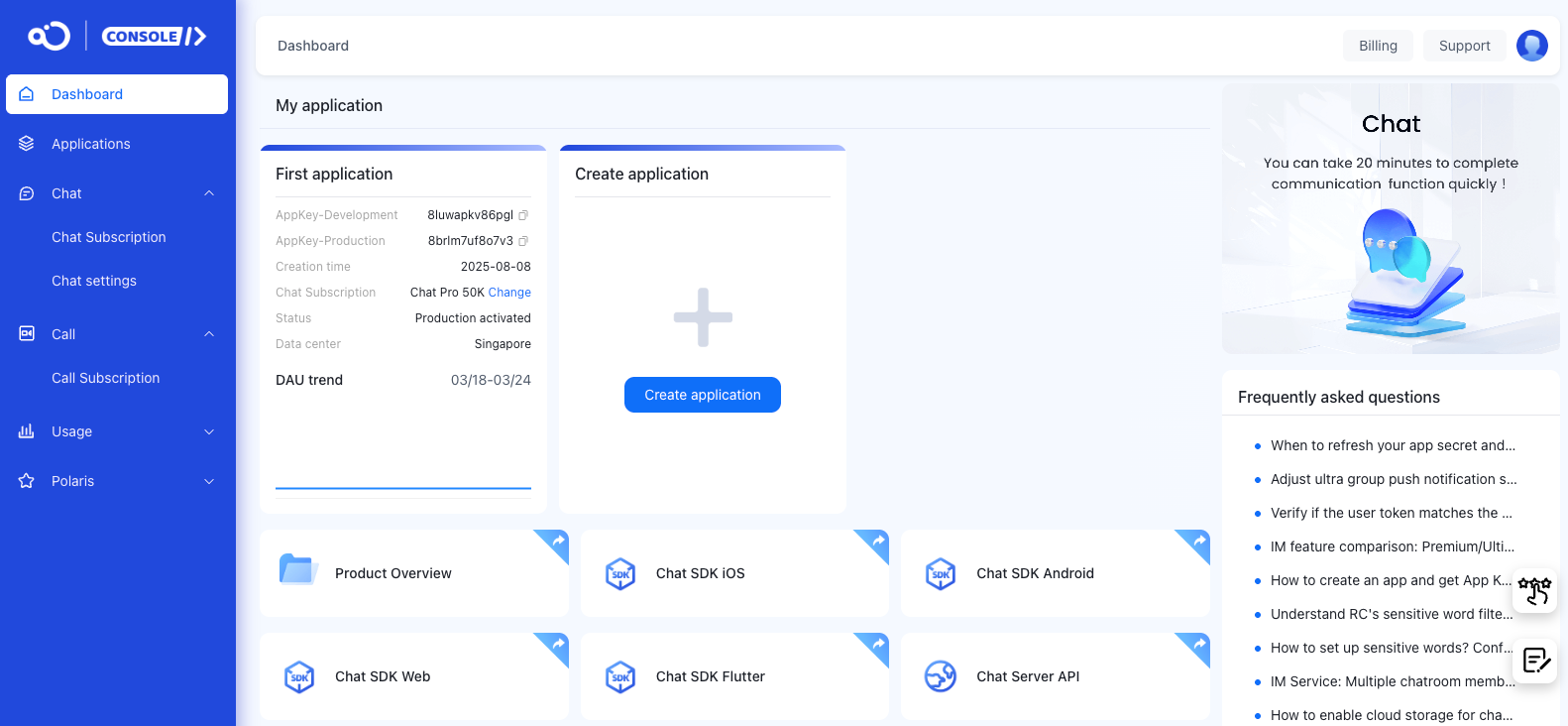
The Console serves as a comprehensive service platform, providing one-stop access and management for App Keys, App Secrets, billing operations, and various other feature configurations.
You can also use the Console to debug IM Server API, query message status, check connection status, add Webhooks, and more.
Data & privacy
Visit the Console Data Analytics page to query and view audio/video usage, business health checks, and other data. After enabling corresponding services, you can also obtain data such as business data analysis.
Nexconn also provides real-time call quality monitoring tools that display quality data for each audio/video call in chart form, helping locate call issues and improve problem resolution efficiency.
Nexconn does not utilize customer data. Nexconn provides comprehensive data privacy protection strategies. See SDK Privacy Policy.